
AI Can Write Content. It Can't Build Your Brand.

Artificial intelligence has changed the way businesses create content, brainstorm ideas, and tackle day-to-day marketing tasks.

From drafting social media captions to generating blog outlines and email campaigns, AI can be an incredibly helpful tool.


At River City Advertising, we use AI, too.


But there's a growing misconception we're seeing more and more often: businesses are treating AI-generated branding recommendations as if they came directly from an experienced branding agency.

And that's where things start to go wrong.


Branding Is More Than Following a Checklist

AI is trained to recognize patterns. It analyzes vast amounts of existing content and predicts what should come next based on data.


Branding, however, isn't about prediction. It's about intention.


Strong brands are built on understanding:


  • Your audience's emotions, motivations, and behaviors
  • Your company's values and personality
  • Your competitive landscape
  • Your unique story
  • How customers experience your business across every touchpoint


These aren't things an AI tool truly understands. They require strategy, context, and human insight.


When AI Misses the Mark

We've seen clients bring us AI-generated recommendations that sound authoritative but don't align with their brand goals.


The suggestions often include things like:


  • Replacing subtle design elements with more photos because the layout feels "empty"
  • Simplifying messaging until it loses personality and differentiation
  • Following generic website formulas that make every business look the same
  • Prioritizing search engine optimization at the expense of user experience
  • Removing design features that create emotion because they don't fit a standardized framework


The challenge is that AI presents these recommendations with confidence. Unfortunately, confidence isn't the same as expertise.


For example, a recent AI review described an elegant fabric-inspired background element on a bridal website as "washed out" and suggested replacing it with additional photography.


The problem? The AI couldn't recognize that the texture was intentionally inspired by wedding gown fabric—a subtle detail designed to create emotion, reinforce the brand story, and elevate the user experience.

What looked like a design flaw to AI was actually a strategic branding decision.


AI Doesn't Understand Nuance

Successful branding lives in the details.


It lives in the feeling someone gets when they land on your website. The emotion evoked by your imagery. The trust created by your messaging. The consistency of your visual identity.


AI can analyze pixels and words, but it can't fully understand:


  • Emotional connection
  • Cultural context
  • Audience perception
  • Industry-specific nuances
  • Regional differences
  • Human behavior and decision-making


Most importantly, it can't sit across the table from you and ask the follow-up questions that uncover what makes your business truly different.


Content Generation and Brand Strategy Are Not the Same Thing

AI excels at execution.


It can help you:


  • Draft content
  • Generate ideas
  • Repurpose messaging
  • Summarize information
  • Improve efficiency


What it can't do is replace strategic brand development.


A professional branding agency brings years of experience, creative expertise, market knowledge, and human perspective to every decision. We evaluate recommendations through the lens of your goals, your audience, and your long-term vision—not through generalized data patterns.


The Best Approach: Use AI as a Tool, Not the Authority


Think of AI as an assistant, not a creative director.


Use it to brainstorm ideas, accelerate workflows, and support content creation. But before making significant decisions about your brand identity, website experience, messaging, or design direction, involve people who understand the strategy behind those choices.


Because the strongest brands aren't built by algorithms.


They're built by humans who understand other humans.


Technology will continue to evolve, and businesses that embrace it thoughtfully will gain a competitive advantage. But the companies that stand out won't be the ones that blindly follow AI-generated recommendations.


They'll be the ones that combine the efficiency of AI with the insight, creativity, and emotional intelligence that only people can provide.


That's where real branding happens.


August 14, 2026
Website accessibility has been a conversation for years, but recent changes to federal accessibility requirements are putting an even bigger spotlight on how websites work for people with disabilities. And if your website hasn’t been reviewed for accessibility recently, now is a good time to take another look. At River City Advertising, we have the tools to add accessibility-focused features that are easier for everyone to use. What Changed With ADA Website Accessibility? In 2024, the U.S. Department of Justice issued a new rule under Title II of the Americans with Disabilities Act establishing a specific technical accessibility standard for websites and mobile apps provided by state and local governments. That standard is WCAG 2.1 Level AA —a widely recognized set of Web Content Accessibility Guidelines designed to make digital content more accessible to people with visual, auditory, physical, cognitive and other disabilities. In 2026, the DOJ extended the deadlines for these public entities: April 26, 2027: State and local government entities with populations of 50,000 or more April 26, 2028: Smaller public entities and special district governments While these particular deadlines apply to state and local governments, the changes reinforce something that affects organizations of all kinds: website accessibility is becoming increasingly important. Businesses should also remember that accessibility obligations can vary depending on the type of organization, services provided and applicable federal, state and local laws. What Does an Accessible Website Actually Mean? Accessibility isn't simply adding a button to your website. An accessible website is designed so people with disabilities can navigate, understand and interact with its content—including visitors who use screen readers, keyboard navigation or other assistive technologies. Some of the elements that can affect accessibility include: Alternative text for meaningful images Appropriate color contrast between text and backgrounds Clear heading structures Keyboard-friendly navigation Properly labeled buttons, links and form fields Readable text and logical page layouts Accessible forms Captions or alternatives for multimedia content Correct website language settings Content that works effectively with screen readers Many of these features also happen to make a website easier to use for everyone , not only visitors with disabilities. How Our Platform Helps Us Build More Accessible Websites At River City Advertising accessibility isn't treated as an afterthought. Our platform includes built-in functionality that can help developers create more accessible websites, including support for alternative text, keyboard navigation and automatic website language definition. Our platform also integrates with accessibility solutions such as UserWay and AudioEye for businesses and organizations that want additional accessibility tools, monitoring and remediation capabilities. However, there is an important distinction: No website platform, plugin or accessibility widget can automatically guarantee that a website is 100% ADA compliant. Accessibility depends on the platform and how the website is designed, written, maintained and updated. For example, adding an accessibility tool doesn't fix a poorly structured page, unclear link text, an inaccessible third-party application or every issue created when new content is added. That is why accessibility should be viewed as an ongoing website-management practice rather than a one-time checkbox. Why Businesses Should Pay Attention Now Even if the newest Title II deadlines don't apply directly to your business, there are several reasons to make website accessibility a priority. Reach more people. An accessible website makes it easier for more potential customers to interact with your business online. Create a better user experience. Clear navigation, readable content, properly labeled forms and thoughtful page structure benefit everyone. Support your SEO efforts. Several accessibility best practices—such as descriptive image text, organized headings and well-structured content—can also help search engines better understand your website. Reduce unnecessary risk. Digital accessibility continues to be an important legal and regulatory issue. Proactively improving accessibility is much better than waiting until someone identifies a problem. Prepare your website for the future. Accessibility standards and expectations continue to evolve. Building accessibility into your website now makes it easier to adapt as requirements change. Accessibility Isn't "Set It and Forget It" This may be the most important takeaway. Your website can become less accessible over time as new pages, images, videos, forms, integrations and other content are added. That's why website accessibility should be part of ongoing website management. At River City Advertising, we can help businesses evaluate their current websites, identify accessibility concerns and determine what tools or updates may make sense. Is It Time for an Accessibility Check? If you're unsure how your current website measures up, we can help you take a closer look. Contact River City Advertising to talk about your website, accessibility options and how we can help make your online presence easier for more people to use.  This article is provided for general informational purposes and is not legal advice. ADA and digital accessibility requirements can vary depending on your organization and jurisdiction. Businesses with questions about their specific legal obligations should consult qualified legal counsel.
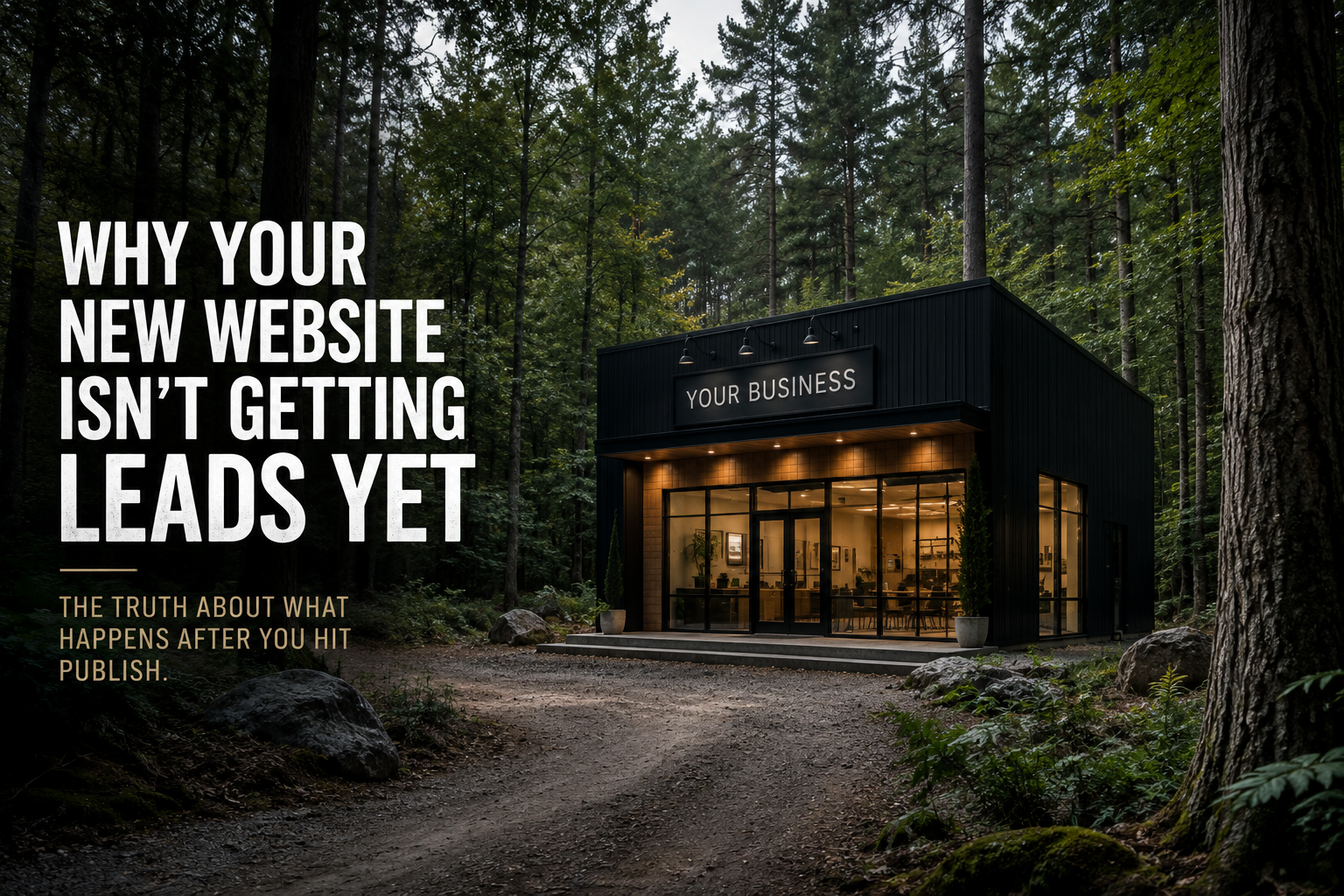
Website mockup: black cabin office in a forest with bold text, “Why your new website isn’t getting leads yet”
By Justin Ellett May 18, 2026
You launched a brand-new website.
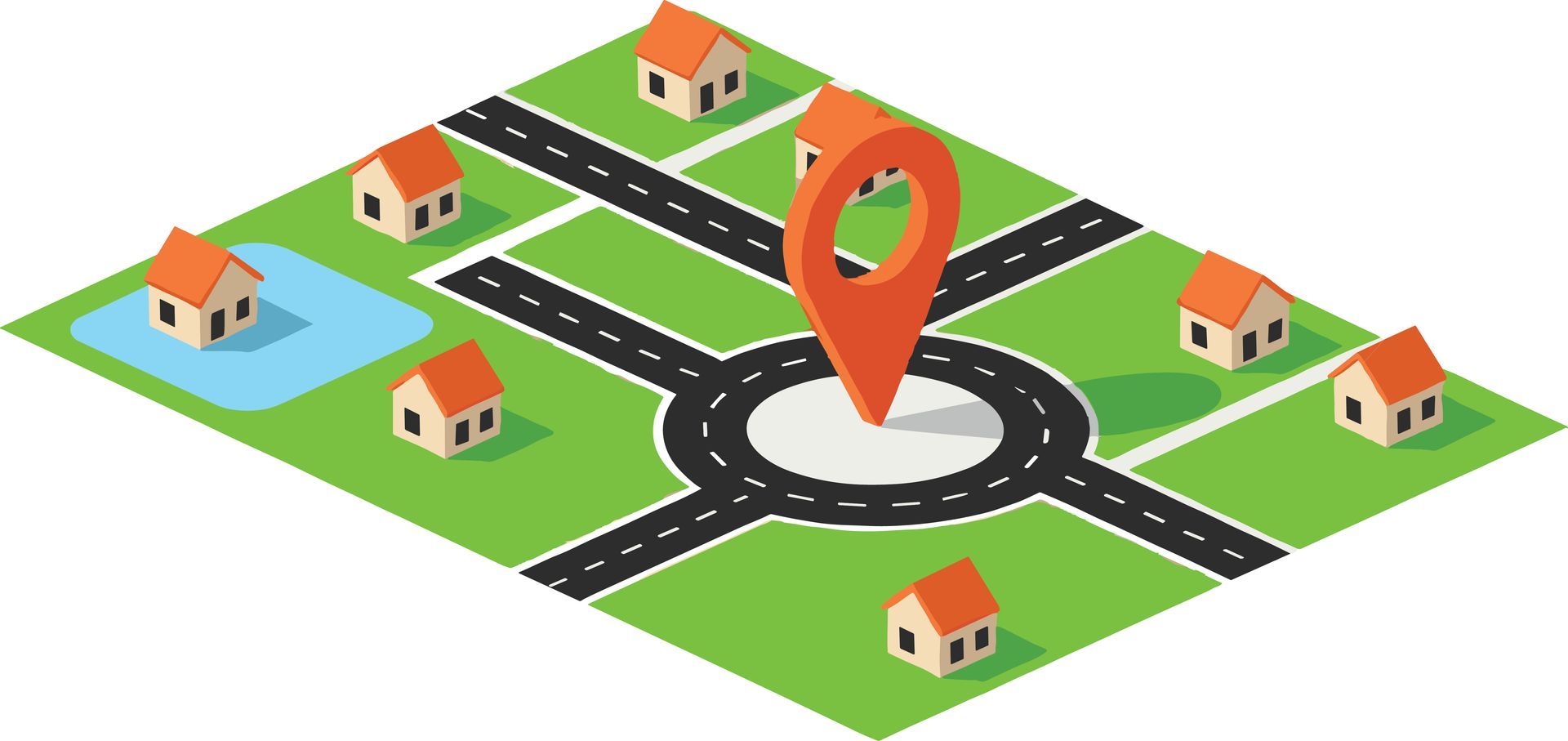
An isometric map shows a small suburban neighborhood with several houses, roads, and a central roundabout with a pin.
By Jessica Ellett March 31, 2026
Tiny Roundabouts & Bad Branding: Why Ignoring the Basics Costs You More in the End
Musician playing acoustic guitar on a warmly lit stage with blurred band members in the background
By Jessica Ellett March 16, 2026
For musicians, a website isn’t just a place to store information. It’s a place to create an experience.
Two people sitting on a park bench, using a laptop and reading a tablet.
By Jessica Ellett February 26, 2026
(And the People Calling You Are Probably Women.)
Hands collaborating over colorful notes and sketches on a table during a planning meeting
By Jessica Ellett November 6, 2025
Branding Mistakes That Quietly Cost Small Businesses Thousands
Black-and-white speech icon with a face silhouette and sound waves in a circle
By Jessica Ellett August 22, 2025
The Tiny Words That Make a Big Difference in How You’re Heard
Billboard reading “TRENDS 2025” against a blue sky with clouds
By Jessica Ellett July 8, 2025
Branding Heat Check: What’s Sizzling This Summer
Two coworkers shaking hands in a bright office with colleagues smiling in the background
By Jessica Ellett March 6, 2025
Why Getting Back to People Matters
Modern office with people collaborating alongside humanoid robots and digital interfaces
By Jessica Ellett January 22, 2025
Should Advertising agencies be embracing AI?